The role of templates for small craft businesses

Most craft business owners assume templates are the enemy of creativity. The thinking goes: if you pre-build your processes, you lose the spontaneity that makes handmade work special. That assumption costs you hours every week. The role of templates for small craft businesses extends far beyond generating invoices. Used thoughtfully, templates are the scaffolding that lets your creativity breathe, because you spend less mental energy on repetitive admin and more on actually making things people want to buy. This article covers which templates matter most, how to customise them without losing your personal touch, and how to weave them into your workflow so your business can grow without burning you out.
Key takeaways
| Point | Details |
|---|---|
| Templates free up creative time | Standardising routine tasks like invoicing and order forms means more hours spent designing and making. |
| Multiple template types serve different functions | From SOPs to marketing sequences, each template type supports a specific part of your business. |
| Customisation preserves your brand voice | Modifying templates with your fonts, colours, and tone maintains professionalism without losing personality. |
| Centralised systems outperform scattered documents | Organising all templates in one operational hub prevents process drift as your business scales. |
| Batch creation multiplies output | Using design templates in batch sessions can significantly increase your product range without extra hours. |
Core benefits of templates for small craft businesses
The term most professionals use for what crafters often call “templates” is standardised documents or business process templates. Both terms describe the same thing: pre-built structures you reuse and adapt rather than rebuild from scratch each time. The importance of templates becomes obvious the moment you calculate how much time you spend recreating the same invoice layout, rewriting the same order confirmation, or reformatting the same product description.

Invoice templates standardise your billing process, reduce errors, and mean you update an existing format rather than building a new one each time a customer pays. That alone saves meaningful time across a busy trading month.
Here is what well-designed craft business templates do for you on a practical level:
- Reduce billing errors. Pre-filled fields mean you change only the variable information, such as the customer name, amount, and date. Everything else stays consistent and correct.
- Strengthen your brand. Paragraph styles in document templates prevent subtle layout drift across your communications, so every quote, confirmation, and receipt looks like it came from the same professional business.
- Cut administrative time. Time spent rebuilding documents from scratch is time stolen from production. Reusable structures give that time back.
- Reduce cognitive load. Pre-filling correct sections and default fields removes the guesswork from routine decisions, which matters when you are also managing creative work that genuinely requires mental focus.
Pro Tip: Build your invoice template once with your logo, payment terms, and bank details already embedded. You should only ever be changing four things: the customer name, the items, the quantity, and the date.
The consistency benefit runs deeper than aesthetics. When your documents look and feel the same every time, customers perceive your business as reliable. For a small craft operation competing with larger brands, that professionalism is a real commercial advantage.
Template types and what they each do
Not all templates serve the same purpose. Understanding the distinct roles they play helps you prioritise which ones to build first. The table below gives a clear overview.
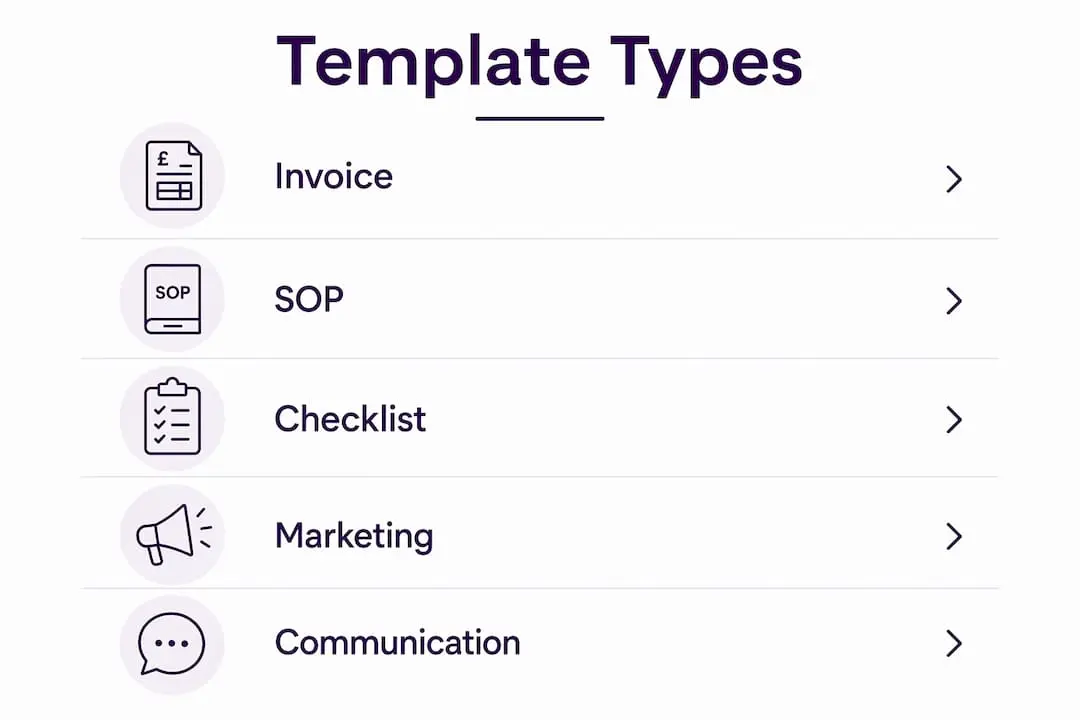
| Template type | Primary function | Typical format |
|---|---|---|
| Invoice template | Billing and payment tracking | Word, Google Docs, PDF |
| Product and SKU template | Standardising product listings | Spreadsheet, Etsy CSV |
| SOP template | Documenting repeatable production steps | Word, Notion, PDF |
| Checklist template | Order fulfilment, onboarding, funding applications | PDF, Google Sheets |
| Marketing template | Email sequences, social media pins, newsletter layouts | Canva, Mailchimp, Google Docs |
Each of these covers a genuinely different part of your business. Let us look at a few in more detail.
SOP templates (Standard Operating Procedure templates) are particularly underused in craft businesses. A manufacturing SOP template includes structured sections such as PPE requirements, safety considerations, step-by-step procedures, quality inspection plans, and revision history. For a ceramicist or a card maker scaling up, documenting your production steps in this format means a helper or part-time assistant can replicate your process accurately from day one.
Checklist templates solve a very specific problem: making sure nothing gets missed under pressure. Sending digital paperwork in advance via onboarding checklists cuts 60 to 90 minutes of administrative time on the first day of working with a new collaborator or stockist. Beyond onboarding, checklist templates matter when you are applying for funding. SBA loan application checklist templates address common delays caused by incomplete submissions, and the same principle applies to any grant or business finance application.
Marketing templates are often overlooked as a category. A pinnable product image template in Canva, a reusable newsletter layout, or an email sequence template for new customer welcome messages all save significant time each week. They also help you show up consistently, which matters for building an audience.
Choosing and customising templates without losing your identity
The biggest concern most independent designers have is straightforward: will using templates make my business feel generic? The honest answer is only if you use them lazily.
Customisable templates reduce rework and missed details by giving you a correct structure to start from. What you add on top of that structure is entirely yours. Your tone of voice, your brand colours, your choice of imagery, your specific product language: none of that lives in the template. The template just makes sure the bones are always in place.
Here are practical steps for adapting templates to your craft business identity:
- Choose software that supports brand settings natively. Google Docs, Microsoft Word, and Canva all allow you to save your fonts, colour palette, and logo so every new document starts on-brand.
- Write your own introductory paragraph for any customer-facing template. A welcome email template with your actual voice in the opening lines feels personal, not robotic.
- Review any template you download against your business’s specific workflow. Delete sections that do not apply. Add fields that you genuinely use.
- Set a reminder every six months to update your templates. Products change, prices change, and your business tone matures. Templates should reflect where you are now.
Pro Tip: If a template feels impersonal, the fix is almost always in the first two sentences. Rewrite the opening in your own voice and the rest of the document will feel like it belongs to you.
One important nuance: templates should guide your outreach rather than replace it entirely. For customer-facing communications especially, use templates as a starting point and add a sentence or two of genuine personalisation. A repeat customer who receives a word-for-word identical message every time will notice.
The right tool also matters. Google Docs works well for documents you share externally. Notion or a dedicated operations platform works better for internal SOPs and checklists you want to search and navigate quickly. Canva is ideal for any visual template. Match the tool to the purpose rather than defaulting to whichever you already have open.
Integrating templates into your operations for scalable growth
Templates become genuinely powerful when you stop treating them as isolated documents and start building them into a connected operational system.
Consider a realistic growth scenario. You make paper craft kits and currently fulfil 20 orders a month. You want to reach 60. The bottleneck is not your creativity. It is the time you spend rewriting product listings, formatting invoices, responding to enquiries with the same information, and checking each order against your packing requirements. Templates address every one of those bottlenecks.
Here is a practical sequence for integrating templates into your workflow:
- Audit your repetitive tasks. List every task you do more than twice a week that involves writing, formatting, or checking something. Each one is a template candidate.
- Build your production SOP first. Document your most common product from raw materials to finished item. SKU templates and quality control criteria let you create repeatable sample-to-sample batches, which matters enormously when scaling to wholesale.
- Create a centralised operations hub. An operations manual with over 60 SOPs organised by function in a single searchable system prevents process drift as you grow and makes delegation genuinely possible.
- Apply batch creation to your design work. Batch creation of products in single sessions is significantly more efficient than producing one item per day. Paired with a consistent design template, this approach can increase your output and revenue without adding more working hours.
- Set up your customer-facing templates last. Once your internal operations are stabilised, build your email sequences, order confirmations, and social media templates. By this point, you know exactly what information customers need and when.
The data matters here. Businesses using batch creation with standardised templates report meaningful gains in productivity, and reliable SKU and QC templates help craft businesses meet the margins required for wholesale without cutting quality corners.
The point is not to turn your creative practice into a factory. It is to remove the friction that stops you making more of what you love making.
My honest take: templates are a creative tool, not a constraint
I have spent years watching craft business owners resist building proper systems because they equate structure with creative compromise. It is one of the most expensive misconceptions in this industry.
In my experience, the makers who feel most creatively free are almost always the ones with the most organised back end. They have templates for everything routine, which means when they sit down to design something new, their head is clear. They are not mentally juggling unpaid invoices, missing order details, or the question of whether they remembered to include their payment terms this time.
What I have learned is that templates work best when you treat them as a starting point rather than a script. The SOP for your production process should capture what you actually do, not what a generic template says you should do. The invoice layout should reflect your brand, not a downloaded default. When you build templates that genuinely fit your business, they stop feeling like a cage and start feeling like a toolkit.
The selective part is where most crafters go wrong. You do not need a template for every single thing. You need templates for the things you do repeatedly and consistently. Start with five, not fifty. Build them properly, use them for a month, and then decide what else needs documenting.
Templates are not the opposite of creativity. They are what creativity looks like when it is well supported.
— Rob
Discover resources for your craft business on Craftsuprint
Running a small craft business well means having the right resources to hand, whether that is design inspiration, ready-to-use printable projects, or structural support for your product range.
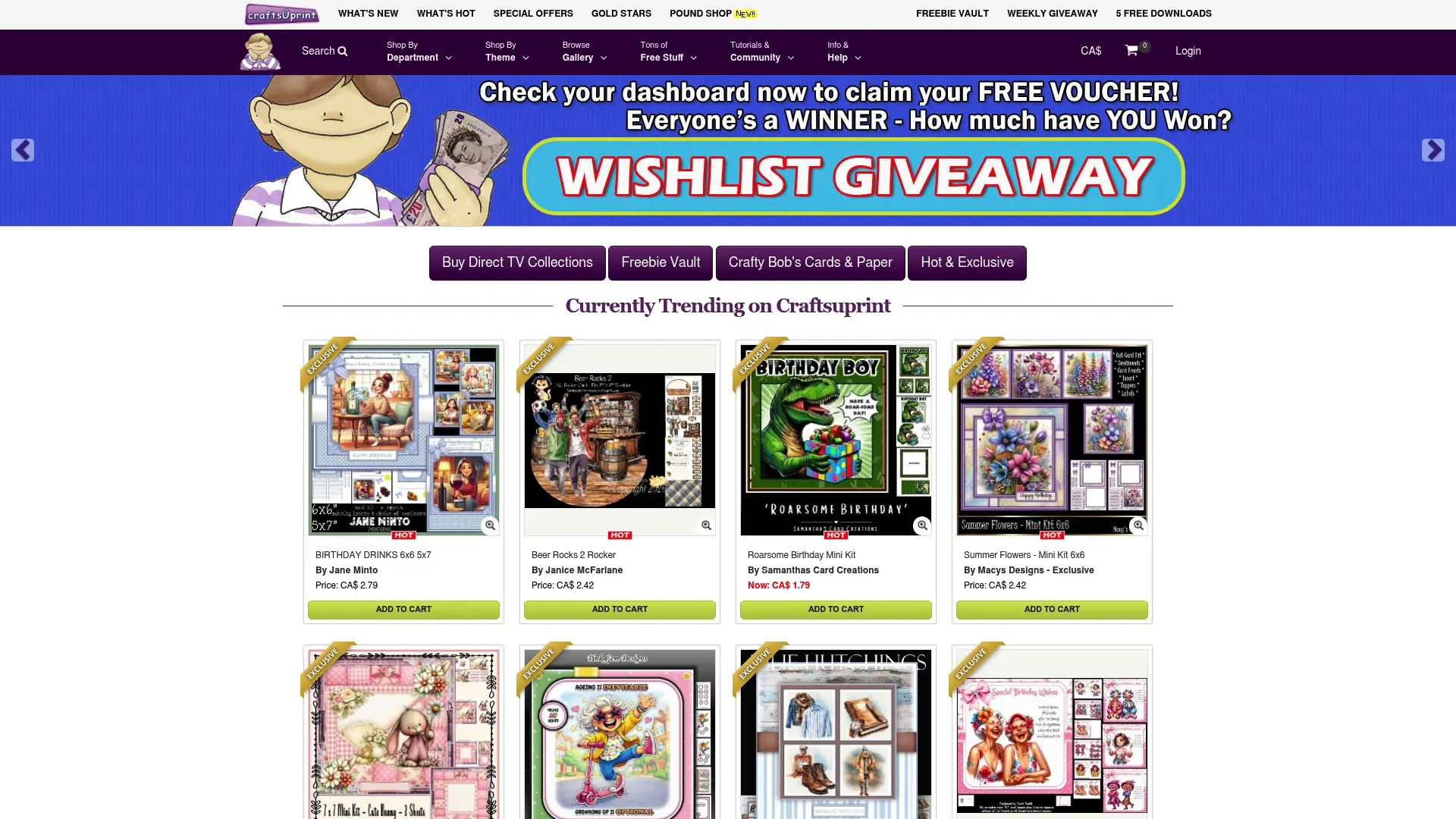
Craftsuprint is a digital platform built specifically for craft enthusiasts, independent designers, and small-scale makers. You will find printable craft projects and kits that can serve as both creative inspiration and practical templates for your own product development. From card making kits to themed paper designs, the site offers a wide catalogue of ready-to-use digital downloads that help you build out your offerings without starting from a blank page every time. The platform also supports designers who want to showcase and sell their own work, making it a genuine two-way resource for the craft community. If you are building out your product range or looking for ready-made design structures to adapt, it is well worth exploring.
FAQ
What is the role of templates for small craft businesses?
Templates provide reusable document and process structures that reduce repetitive admin work, minimise errors, and maintain consistency across invoicing, production, and marketing. For small craft businesses, they free up time and mental energy for creative work.
Which templates should a craft business build first?
Start with an invoice template and a production SOP. These two cover your most frequent administrative task and your core repeatable process, making them the highest-return templates to build early.
Can templates make a craft business feel less personal?
Only if they are used without any personalisation. The recommendation is to let templates guide your communications rather than dictate them entirely. Adding a sentence or two of genuine personalisation in customer-facing messages keeps the human feel intact.
How do templates support scaling a craft business?
Templates paired with batch creation and standardised SKUs allow you to increase output without increasing working hours proportionally. An organised operations manual also makes delegation possible, which is a prerequisite for genuine growth.
What tools work best for craft business templates?
Google Docs and Microsoft Word suit external documents like invoices and quotes. Notion or a dedicated operations platform works better for internal SOPs and searchable process documentation. Canva is the most practical choice for visual and marketing templates.